
QonaqBook logos and badges
For your hotel website, Instagram and front desk. Free to use — download files one by one or as a single archive.
Download everything as one archive (ZIP)“Book on QonaqBook” badge
Put the badge on your website, Instagram or profile header and link it to your hotel page on qonaqbook.kz so guests can book right away.

Website code — replace the address with your hotel page:
<a href="https://qonaqbook.kz/en/hotels/YOUR-HOTEL-ADDRESS"><img src="https://qonaqbook.kz/files/brand/qonaqbook-badge-en.png" alt="QonaqBook" width="300" height="85"></a>QR code for the app
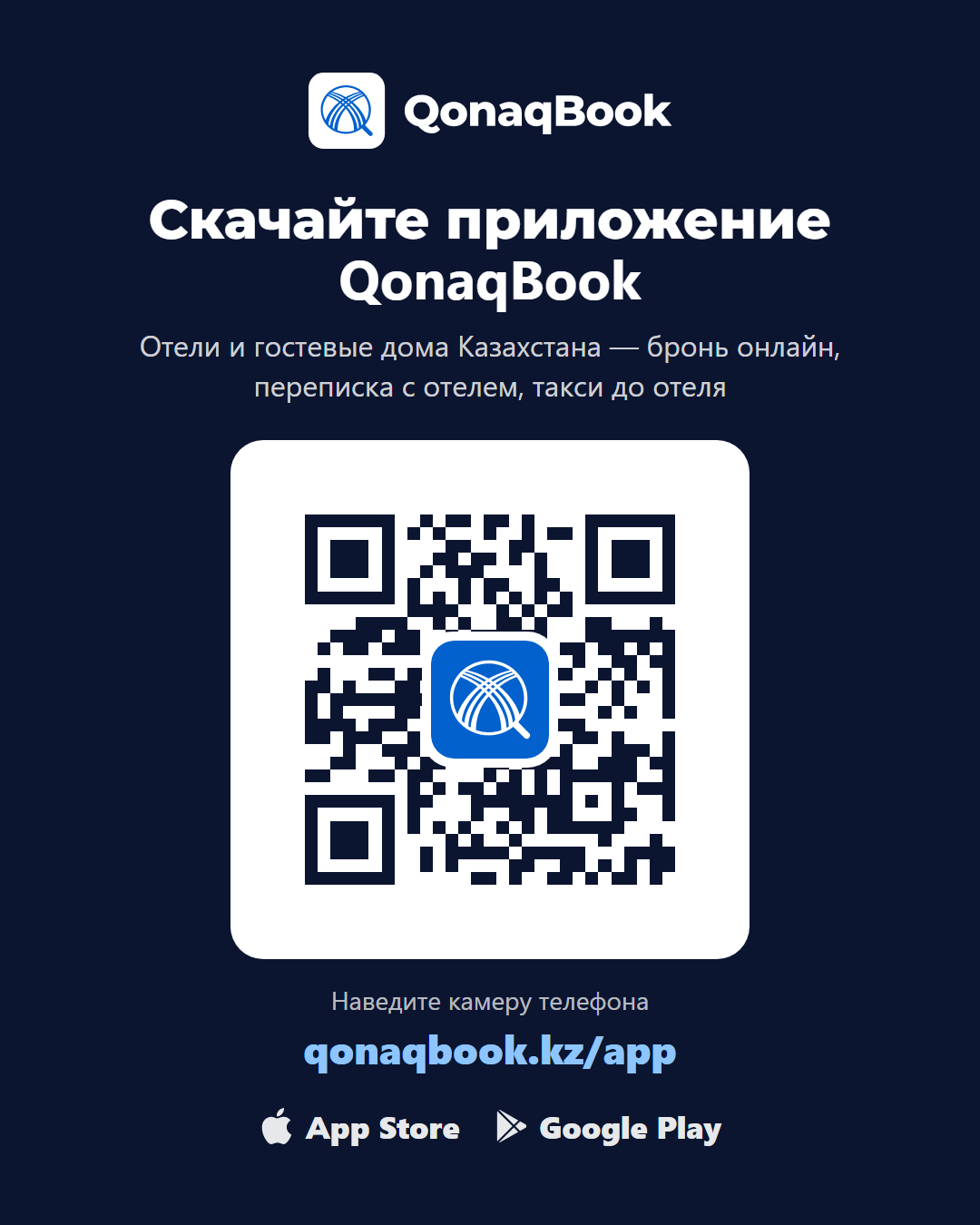
Print the card and place it at the front desk: guests point the camera and download the QonaqBook app — the App Store or Google Play opens automatically.

Logo
For posters, leaflets and posts. Vector files for print (PDF, EPS, SVG) are available on request.




Tag us on social media
Tag @qonaqbook in a post or story with the badge — we will repost it on our accounts so more guests see you.
How to use
- Do not change the logo colours, proportions or lettering.
- Leave clear space around the logo.
- Link the badge to your hotel page on qonaqbook.kz.